Backup & Restore
Invoked backs up your run history to encrypted cloud storage with client-side AES-GCM encryption, so your work survives a lost machine. Restore on any device after signing in.
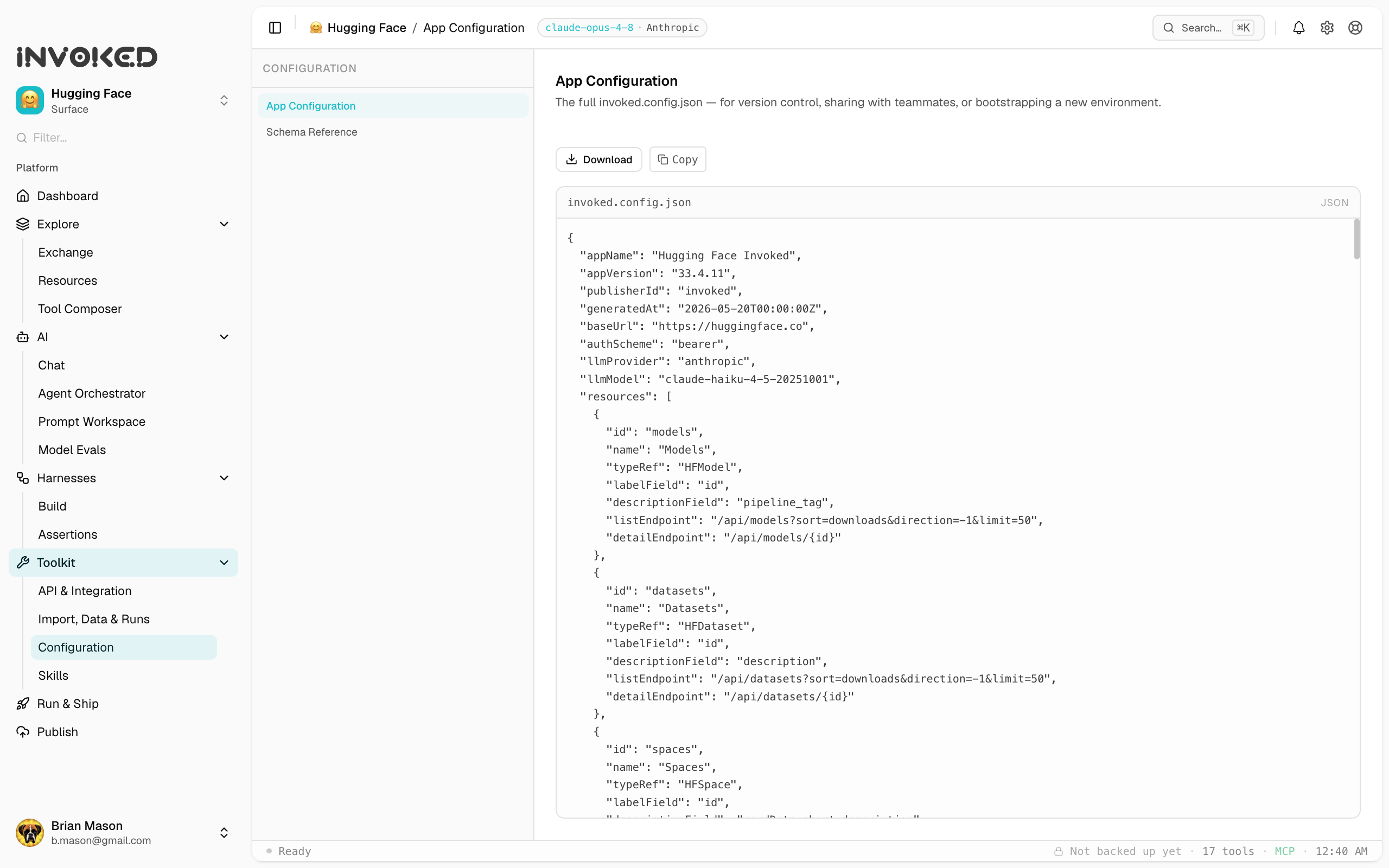
Your runs, skills, harnesses, and prompts live locally on your machine. To make sure that work survives a lost or replaced device, Invoked backs it up to encrypted cloud storage — end-to-end encrypted, so no one but you can read it.
How it works
- Client-side encryption. Your data is encrypted on your device with AES-GCM before it ever leaves, using a key derived from your signed-in identity. Invoked's servers only ever store ciphertext — never readable content.
- Direct to storage. Encrypted bytes go straight from your desktop to object storage; they don't pass through the web app.
- On by default for any signed-in user, with a small footer indicator so the backup is visible rather than silent. Backups run debounced as you work and on quit.
What's backed up
Your local artifacts — run history, skills, harnesses, and prompts — captured fresh so a restore reflects your latest state.
Restoring
Sign in on any device and restore from Settings → Backup & Restore. Invoked pulls your encrypted backup and decrypts it locally with your key, rehydrating your workspace.
Because encryption is client-side and the key is tied to your identity, your backup is unreadable without signing in as you. There is no server-side way to recover content if you lose access to your account — keep your sign-in secure.
Teams
Team reference runs can also be mirrored to shared team storage (alongside team skills), so a team's canonical runs are available to members. Personal full backups remain private to you.